






In recent years, more people have found themselves working from home either full-time or part-time. Creating a home office environment that is both comfortable and productive can significantly impact your work output and overall wellbeing. Whether you have a dedicated room or just a small corner, there are ways to optimise your space for better focus and comfort.
Why a Comfortable Home Office Matters
Your home office is where you spend significant hours each day, so making it a place where you feel comfortable is essential. A good setup can reduce physical strain, minimise distractions, and help you maintain a healthy work-life balance. When your environment supports your needs, you’re likely to feel more motivated and complete tasks more efficiently.
Finding the Right Location
Choose a Quiet, Dedicated Space
If possible, select a quiet area in your home that is away from high-traffic zones. A dedicated room with a door is ideal for separating work from home life, but even a corner in a less noisy part of your home can work well.
Maximise Natural Light
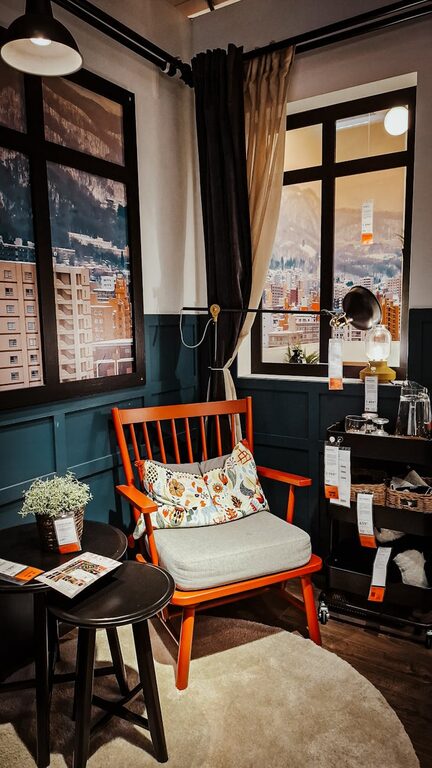
Try to position your desk near a window to benefit from natural daylight. Natural light helps reduce eye strain and can improve mood and alertness. If natural light is limited, ensure you have good quality artificial lighting that is bright but not harsh.
Ergonomics: Comfort for Longer Hours
Invest in a Good Chair
A supportive office chair with adjustable height and lumbar support is a worthwhile investment. Sitting in an uncomfortable chair can lead to back and neck pain, affecting your productivity and health.
Desk Height and Monitor Position
Your desk should allow your elbows to rest at a 90-degree angle when typing. Position your computer screen so that the top of the monitor is at eye level. This helps avoid neck strain and encourages better posture.
Use Accessories for Better Posture
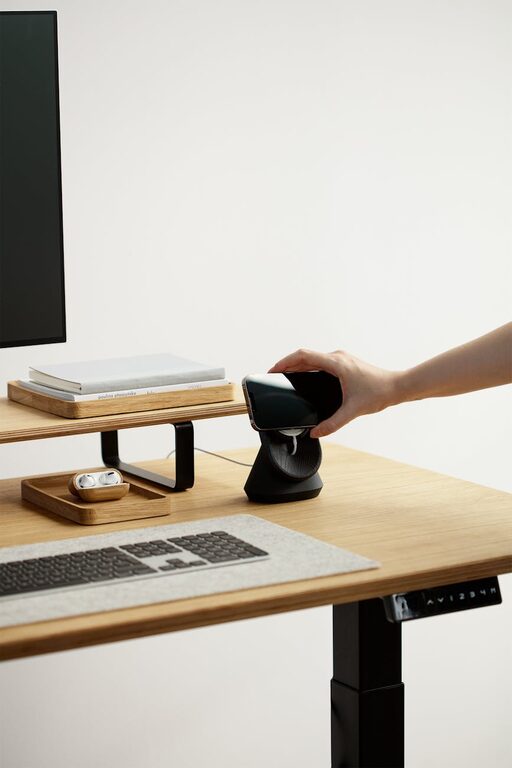
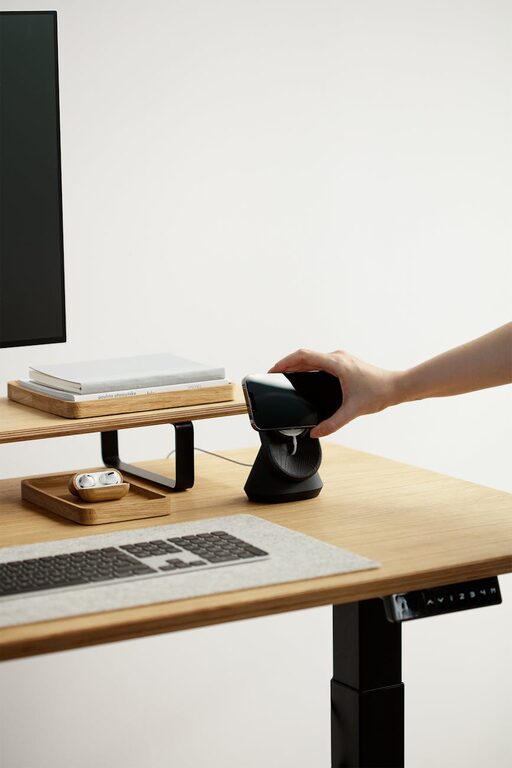
Consider using footrests if your feet don’t comfortably reach the floor. Keyboard trays and monitor stands can also enhance ergonomics by keeping your workspace organised and your body aligned.
Organising Your Workspace
Declutter Regularly
A cluttered desk can be distracting. Keep only the essentials within reach and store what you don’t use regularly. Use file organisers, drawers, or shelves to maintain a tidy area.
Efficient Storage Solutions
Utilise storage boxes, trays, or filing cabinets to keep paperwork and office supplies organised. Label containers clearly to save time when searching for items.
Cable Management
Untangle and secure cables using clips or cable organisers. This not only looks neater but also prevents accidental disconnections or tripping hazards.
Personalising Your Space
Add Soothing Colours
Choose calming colours such as light blues, greens, or neutrals for your workspace. These colours can reduce stress and create a peaceful atmosphere.
Incorporate Plants
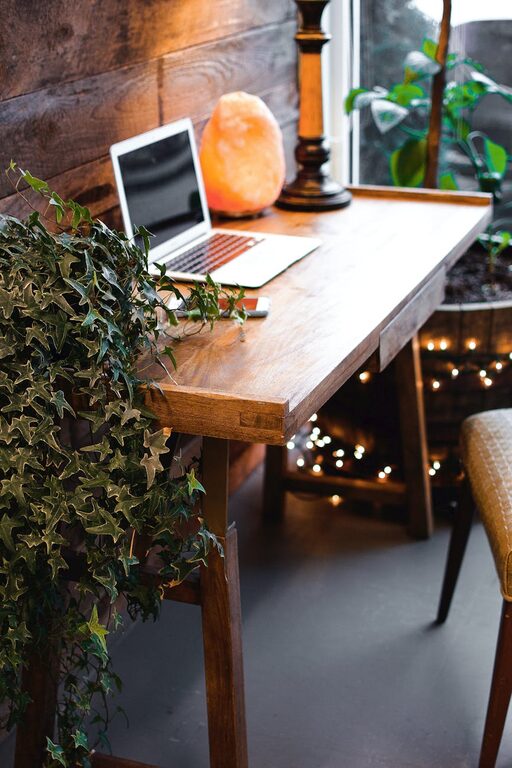
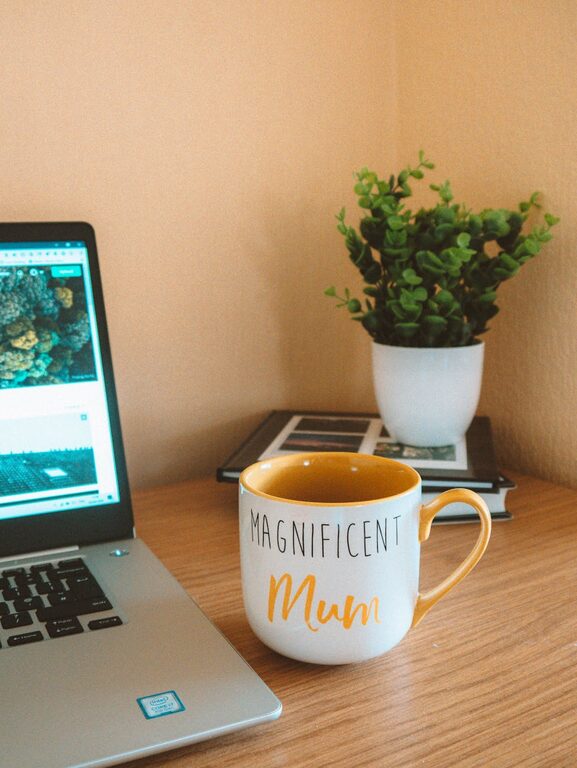
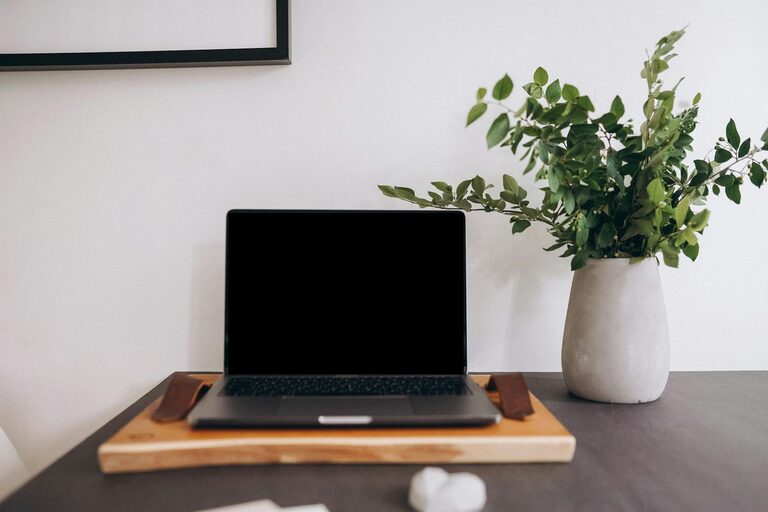
Bringing greenery into your office can freshen the air and increase your mood. Small plants like succulents or herbs are easy to care for and brighten the space.
Display Inspirational Items
Having personal or motivational items like photos, quotes, or artwork can keep you inspired throughout your workday without causing distraction.
Maintaining a Healthy Work Routine
Take Regular Breaks
Set reminders to stand up and stretch every hour. Short breaks help reduce fatigue, improve circulation, and keep your mind sharp.
Stay Hydrated and Snack Wisely
Keep a water bottle at your desk and have healthy snacks nearby to maintain energy levels. Avoid too much caffeine or sugary treats that might cause energy crashes.
Set Boundaries
Define your working hours clearly and communicate them to those around you. This helps separate work time from personal time and reduces interruptions.
Using Technology to Enhance Productivity
High-Speed Internet and Quality Equipment
A reliable internet connection and up-to-date devices prevent frustration and delays. Invest in a good headset or microphone if you regularly participate in virtual meetings.
Utilise Productivity Tools
Explore apps and software for task management, time tracking, and communication. Tools like calendars, to-do lists, and collaboration platforms can streamline your work processes.
—
Creating a comfortable and productive home office doesn’t require a large budget or extensive renovations. By focusing on ergonomics, organisation, lighting, and personal touches, you can design a space that helps you work efficiently while maintaining comfort. Remember, your home office should support both your professional and personal needs, making working from home a positive and rewarding experience.